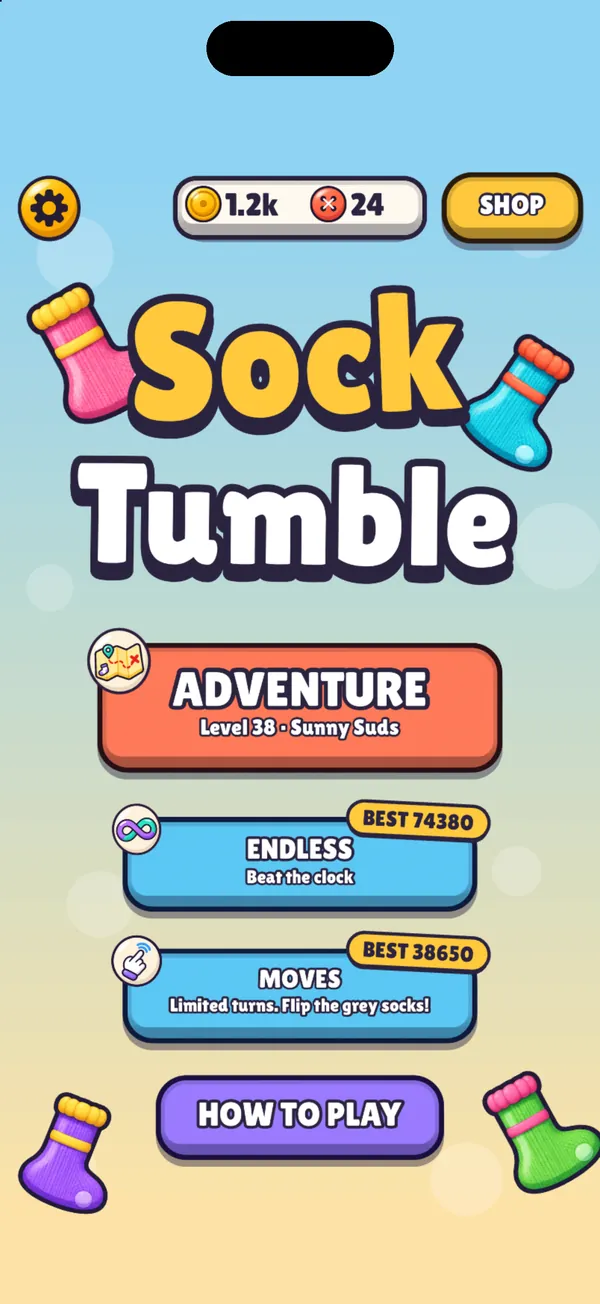
Adventure: 100 levels.
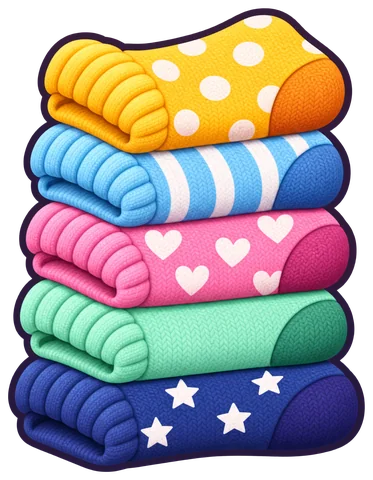
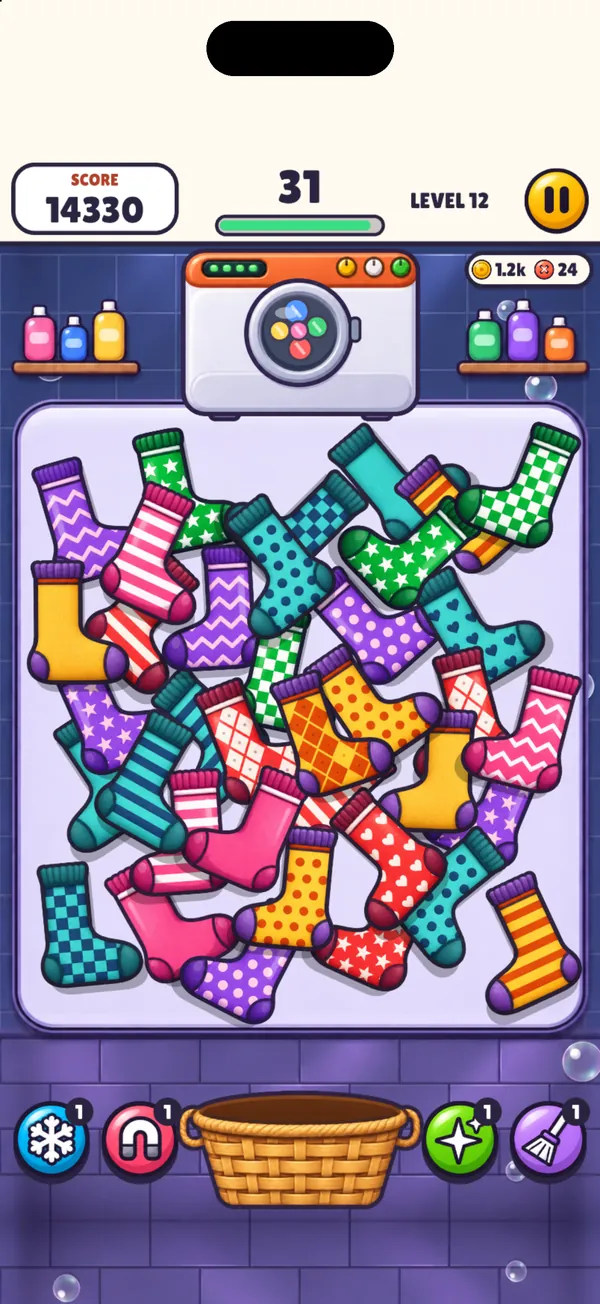
Where everyone starts. Work along a map through two laundries, Sunny Suds and Midnight Spin. Every level brings one new thing, every fifth level is HARD, and each one earns 1 to 3 stars.
 Sock Tumble
Get the app
Find the twin. Toss the pair.
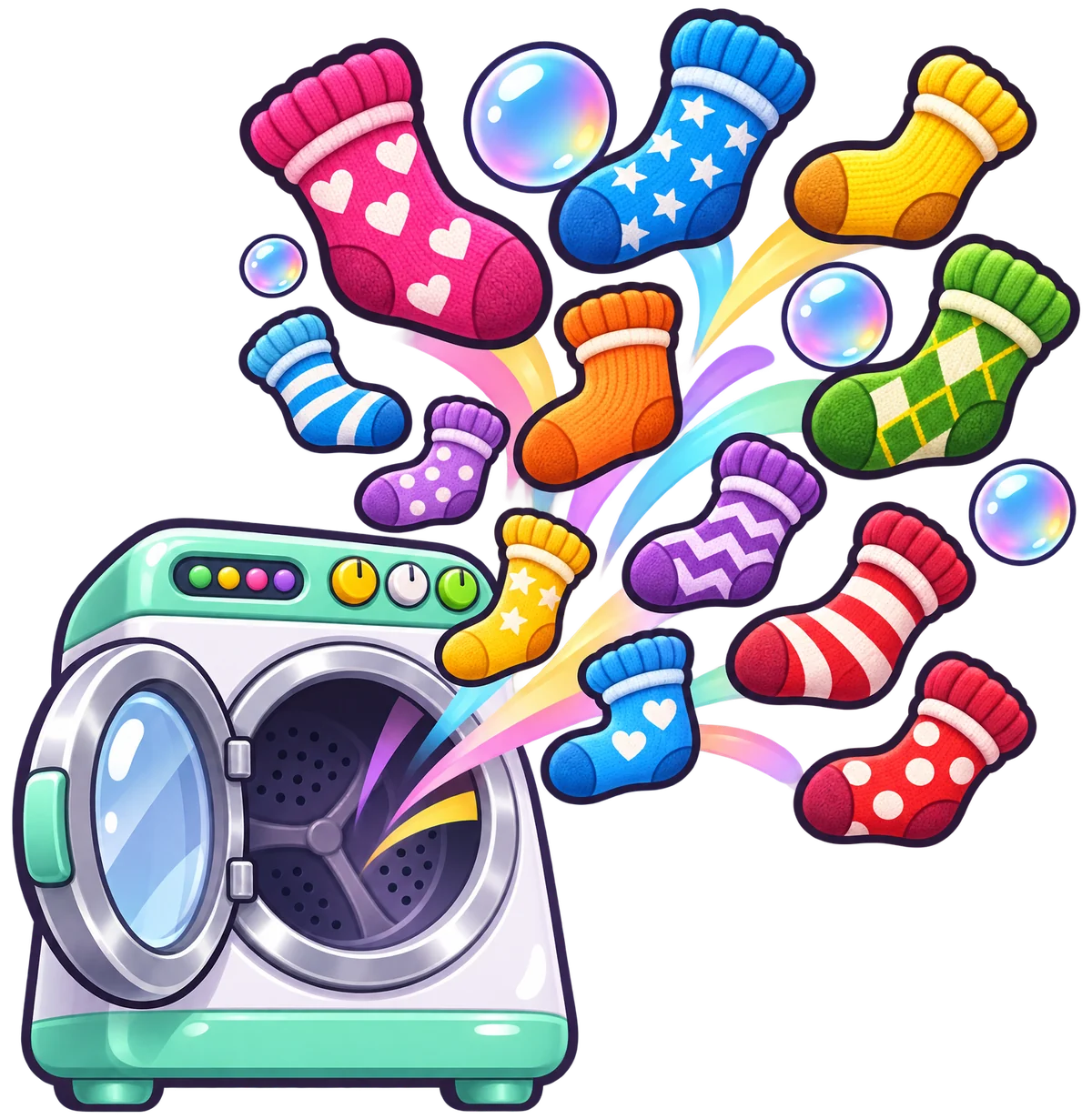

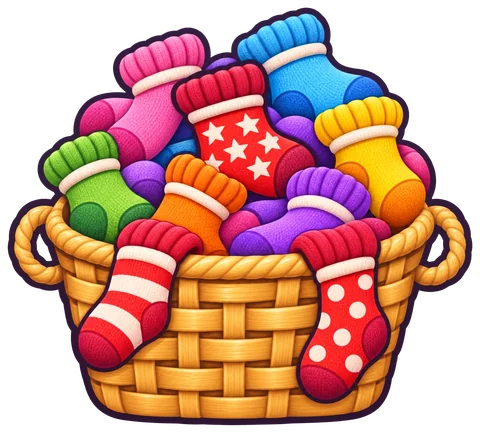
A cheerful sock-matching puzzle for iPhone and iPad. Socks tumble out of the dryer in a messy pile. Spot each sock's twin, drag the pair into the basket and work your way through a 100-level Adventure.
Coming soon to theApp Store Soon
Free to download. No account needed. Plays offline.
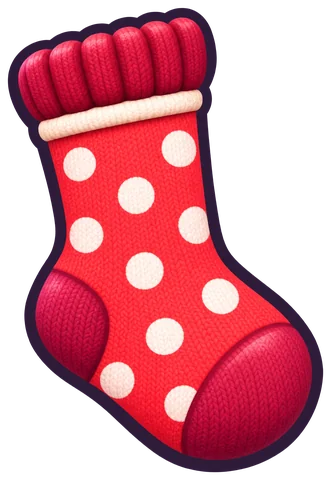
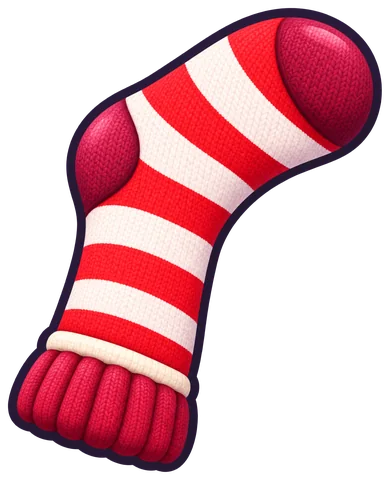
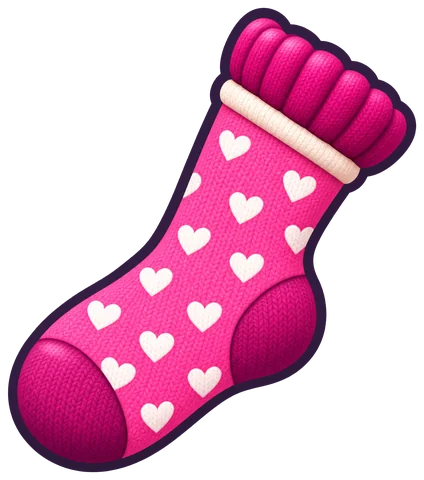
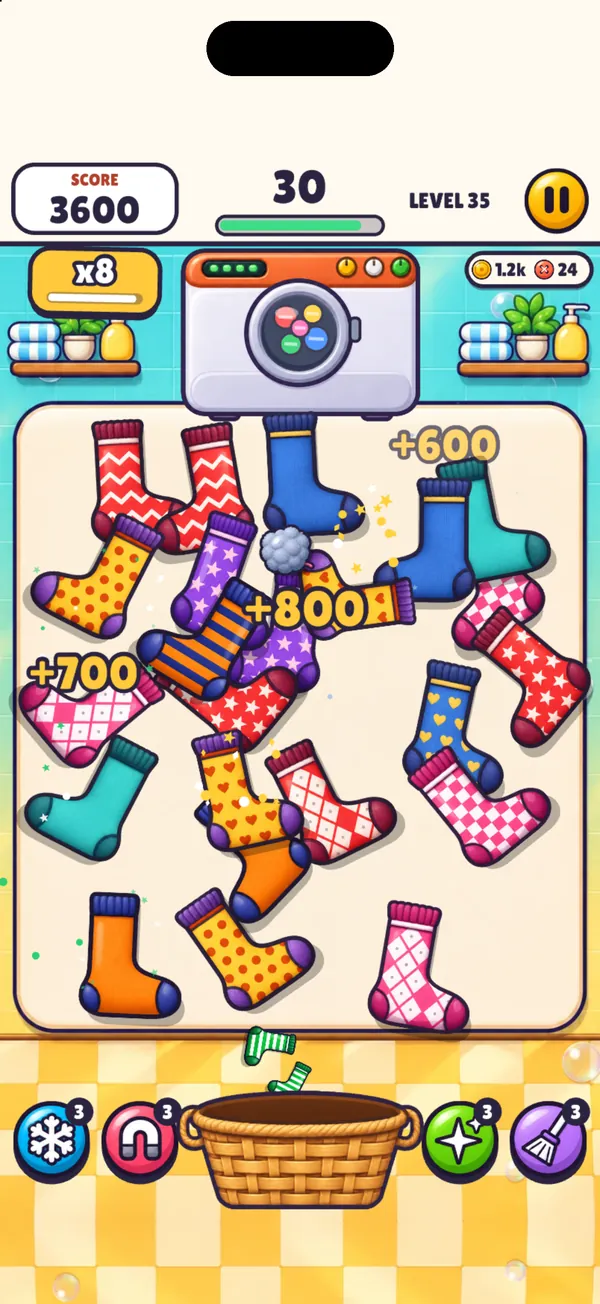
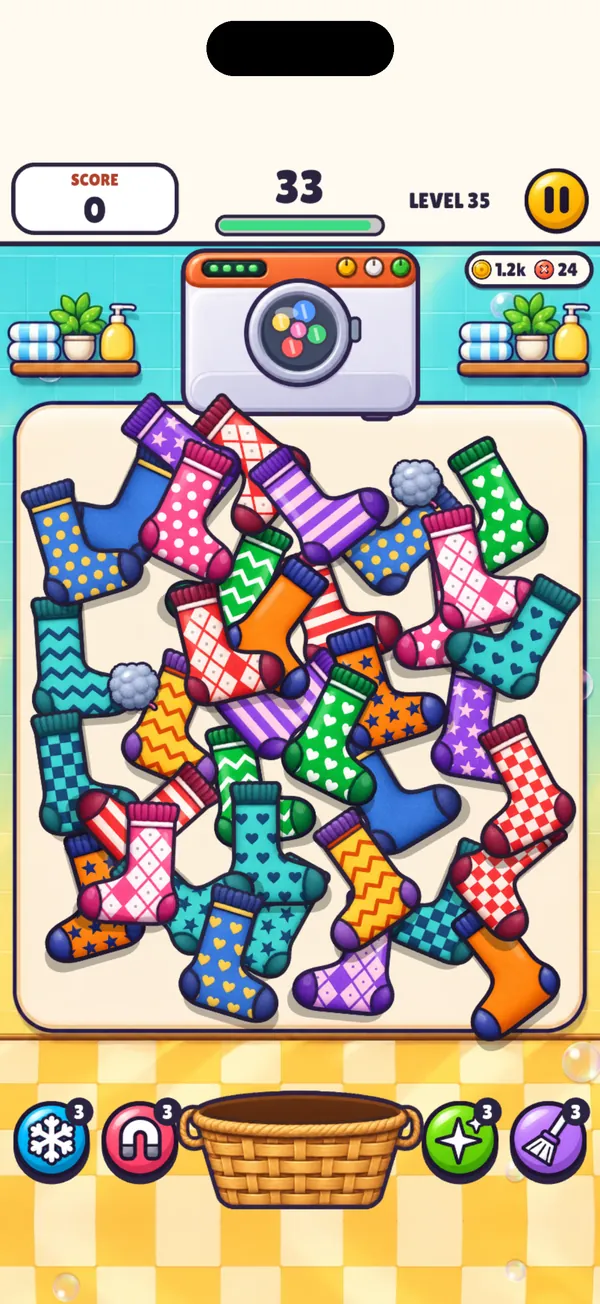
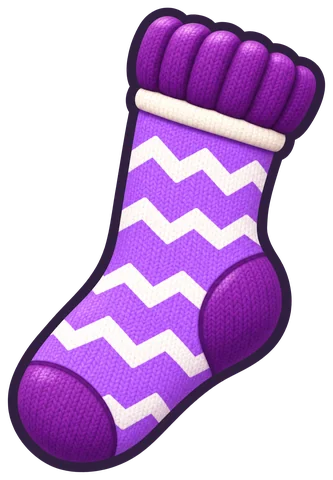
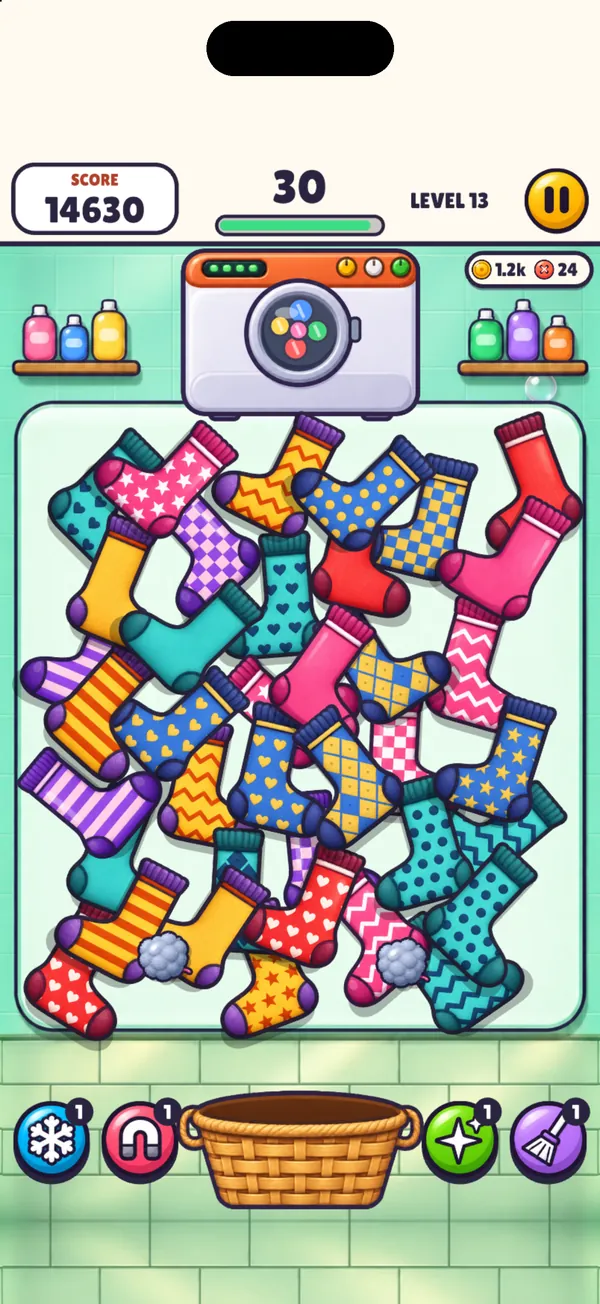
Every sock on the table has exactly one partner with the same colour and pattern. Look-alikes share a colour but not a pattern, so look twice.
Drag a sock onto its twin, or tap one and then the other. The pair flies into the laundry basket.
Quick matches stack a combo up to x8. A wrong pair breaks the combo and costs you 3 seconds, or a turn in Moves.
Where everyone starts. Work along a map through two laundries, Sunny Suds and Midnight Spin. Every level brings one new thing, every fifth level is HARD, and each one earns 1 to 3 stars.
Clear Adventure levels to unlock two more ways to play.
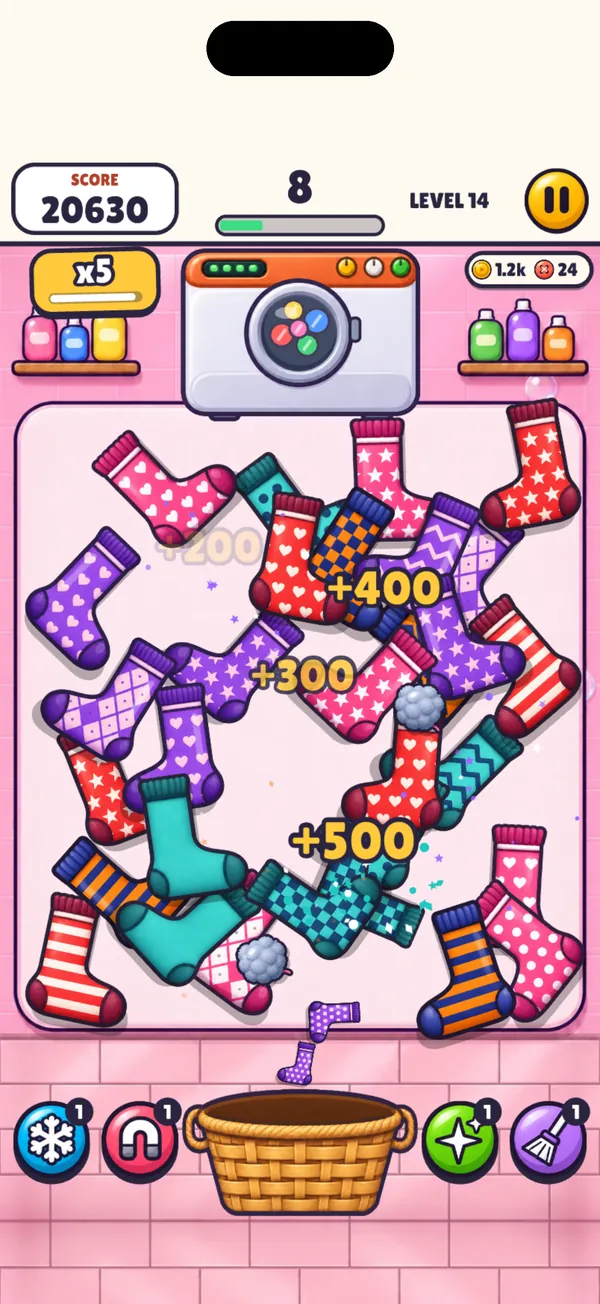
Each level has its own timer. Leftover seconds turn into points, and three quick matches in a row win time back.
Unlocks when you clear Adventure level 10.
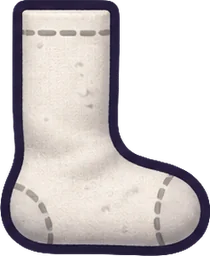
No clock, a set number of turns. Some socks land inside-out (plain grey) and you flip them to see the pattern. A memory game with socks.
Unlocks when you clear Adventure level 20.
In Adventure the power-ups arrive one at a time, each with a free one to try. After that, shirts pop out of the dryer carrying them: tap a shirt three times to grab the power-up. You can also buy starting power-ups in the shop.

Freeze stops the clock for a few seconds. There is no clock in Moves, so no Freeze there.
Magnet matches two pairs for you.
Twin Glow makes a sock's twin light up when you pick it up.
Sweep clears every odd sock off the table.
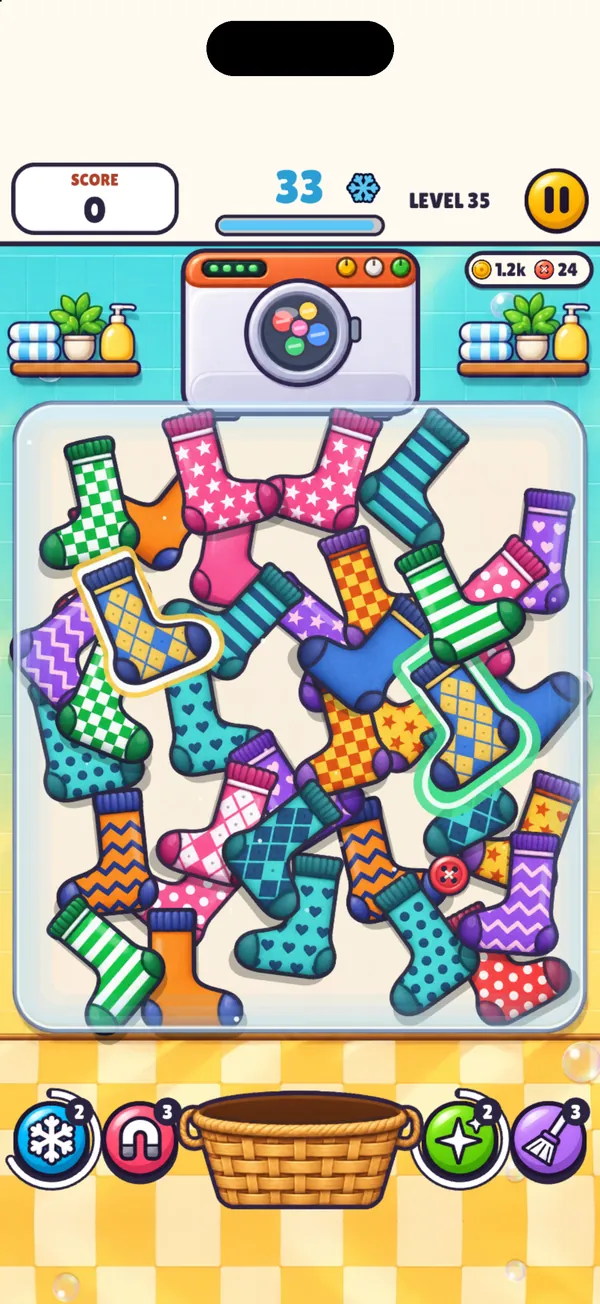
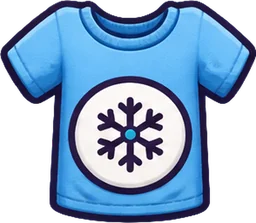 Shirts
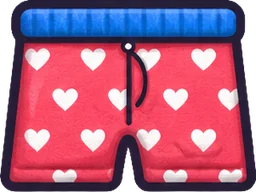 Bonus garments
 Sewing buttons
 Banknotes
 Lint
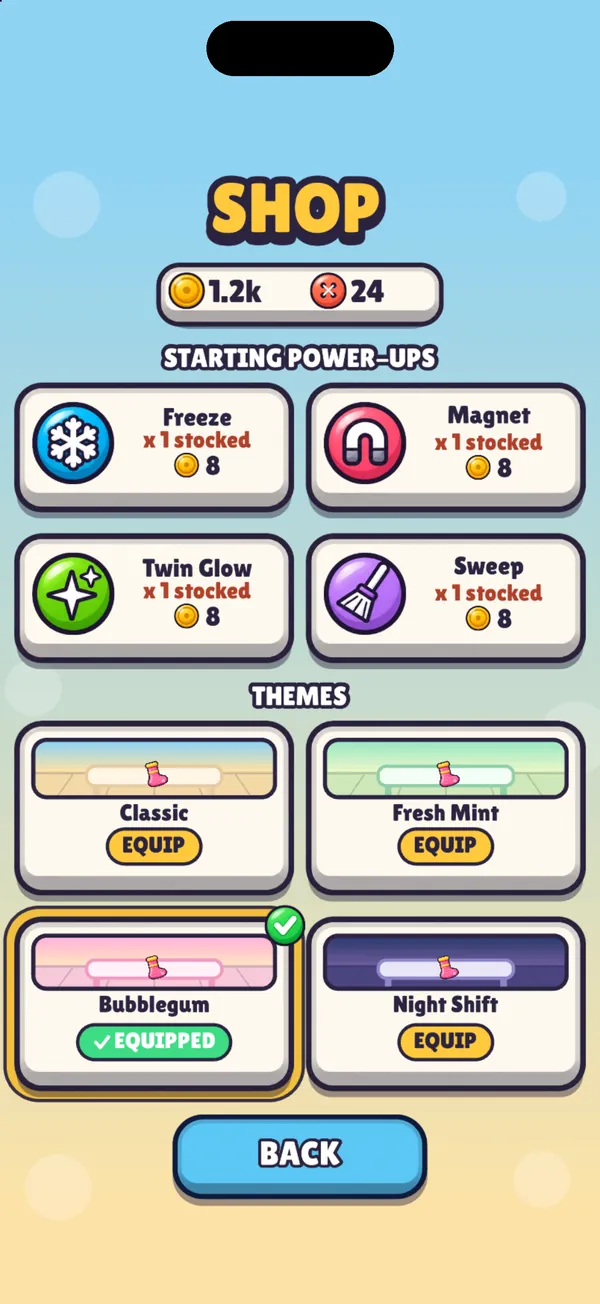
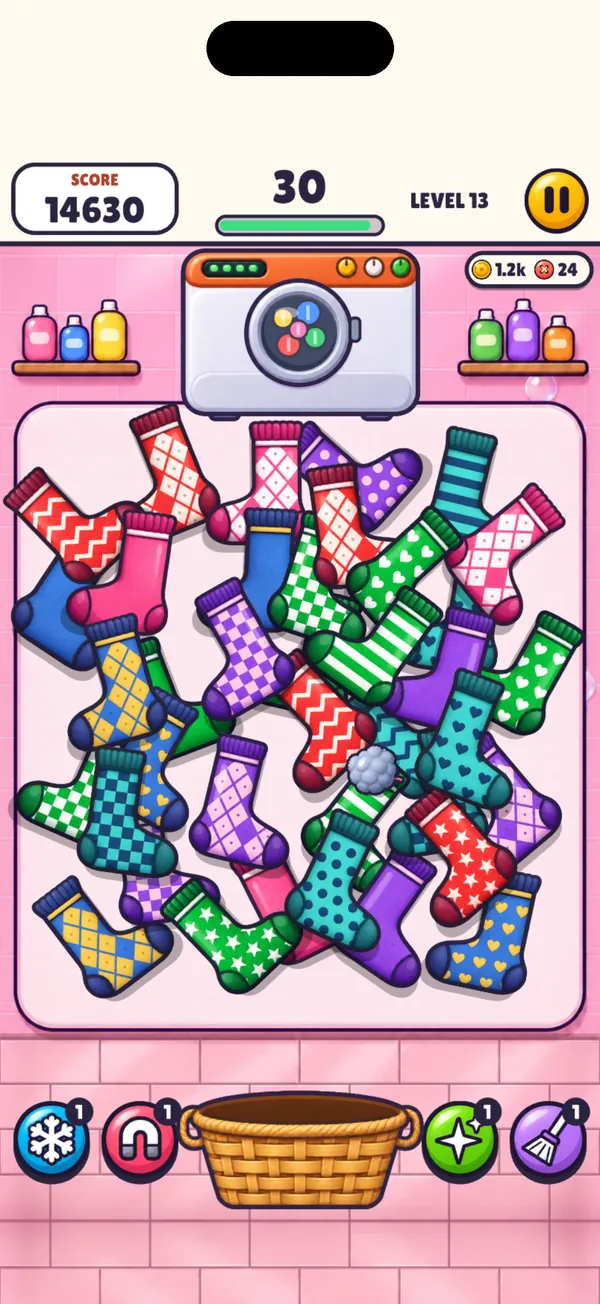
Coins buy starting power-ups. Sewing buttons buy room themes: Classic, Fresh Mint, Bubblegum and Night Shift. Adventure has its own two laundries, so themes dress the table in Endless and Moves.
Coming soon to theApp Store Soon
Free on iPhone and iPad. One-time Remove Ads purchase if you'd rather play without banners.
Yes. Sock Tumble is free to download and shows a small banner ad. A one-time Remove Ads purchase turns the ads off for good.
Sock Tumble is coming soon to the App Store for iPhone and iPad.
Socks tumble out of the dryer onto the table. Find two socks with the same colour and pattern, then drag one onto the other or tap both. The pair goes into the basket. Clear every pair to finish the level.
Adventure is where you start: 100 levels across two laundries, Sunny Suds and Midnight Spin. Every level introduces one new thing, every fifth level is HARD, and each level earns 1 to 3 stars on a progress map.
Both start locked. Clear Adventure level 10 to unlock Endless, and level 20 to unlock Moves.
Endless is the clock mode: each level has a timer, and leftover seconds become points. Moves has no clock but a limited number of turns, and some socks land inside-out so you have to remember what you flipped.
No account and no sign-up. Your progress is saved on your device, and you can play offline.
Yes. Levels are short, you can pause at any time, and the game is made to be played one-handed in portrait.
Email hello@socktumble.app and tell us what happened. Your iPhone or iPad model and iOS version help. Or look below first.
Open Settings from the main menu and tap Restore Purchases. It asks Apple whether this Apple ID owns Remove Ads, so use the same Apple ID you bought it with. This is also what to do after a reinstall or on a new device.
Open Settings and tap Remove Ads. It is a one-time purchase, paid through Apple. Afterwards there is no banner, no consent form and no tracking prompt.
Open Settings and tap Music or Sound. Both switches are in the pause menu too, so you can change them in the middle of a level.
Only on your device. There is no account and no cloud save, so deleting the app, or moving to a new device, starts you from level 1. Remove Ads is the exception, because Apple keeps that purchase and Restore Purchases brings it back.
Open Settings and tap Ad Privacy (it reads Ad Tracking where Google's consent does not apply). In regions where Google asks for consent, this reopens its privacy options. Elsewhere it opens the app's page in iOS Settings, where you can switch Allow Tracking on or off. The privacy policy has the details.